 Rundeck
Mac remote control
Your whole Mac, from the couch.
Rundeck is a remote control for your Mac that lives on your iPhone: the pointer, the keyboard, your apps, your music, the volume and the brightness — all a thumb away.

Every app, one tap
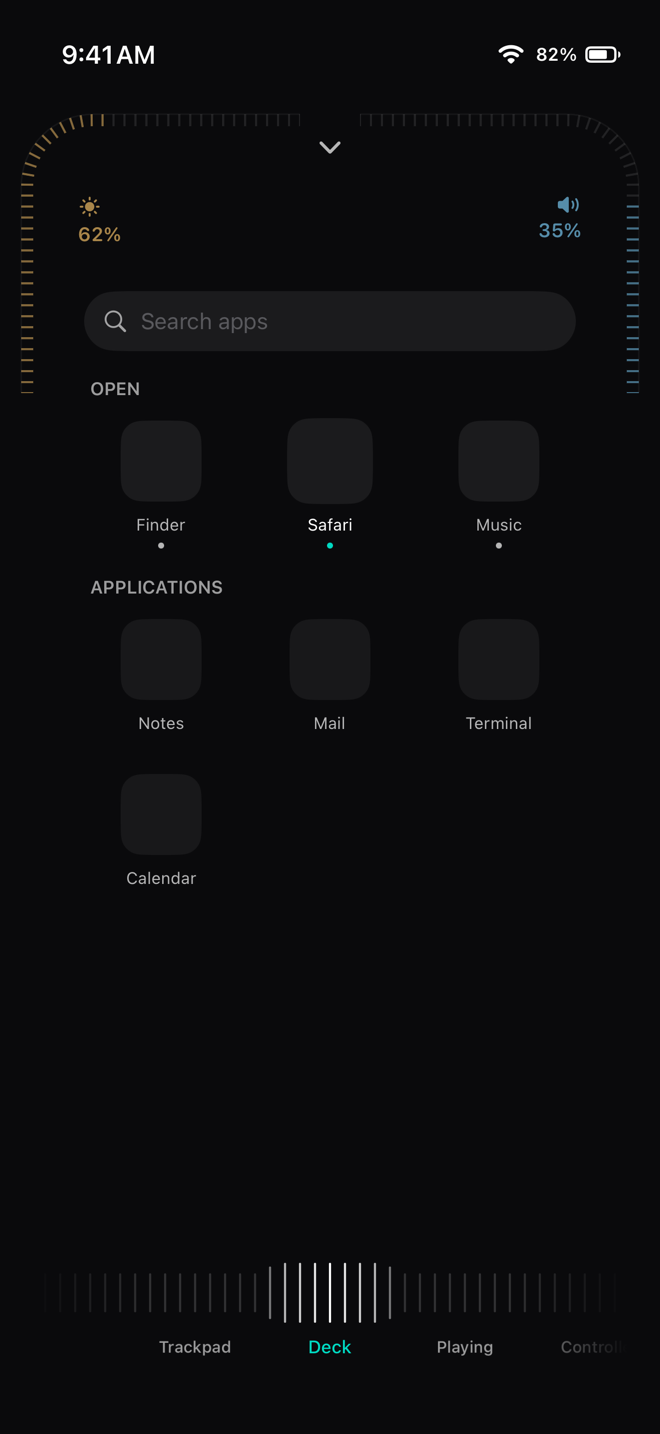
Deck lists the apps open on your Mac, then everything else installed. Tap one to bring it forward or open it; touch and hold to quit.
Music and video, handled
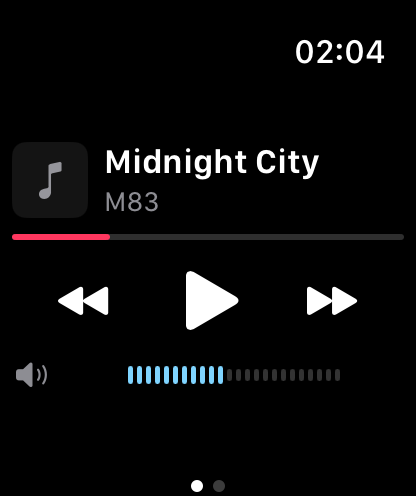
Playing gives now playing the whole page: cover art, a scrubber that seeks, and the transport keys — whatever app is playing on the Mac. Brightness and volume ride two arcs by the camera, with detents you can feel.
A TV remote for your Mac
Controller is a single D-pad in the shape of a television remote. The wedges hold their keys, the centre is Return, and holding it drives the pointer — perfect for a Mac connected to a TV.
Your Mac at a glance
Pull down from the top for CPU, memory, disk, network and battery, take a screenshot on the Mac, or share your iPhone's screen to it.
Even when you're away
Rundeck has no servers of its own. Put your Mac and iPhone on Tailscale, give Rundeck the Mac's Tailscale name, and the same remote works from anywhere.
Questions
Can I control my Mac from my iPhone without an account?
Yes. Rundeck has no account at all: pair once with a four-digit code on the same Wi-Fi.
Can I control my Mac from outside my home?
Yes, through Tailscale or another VPN you already use. Rundeck dials your Mac's Tailscale address whenever it is not on the same network.
Can I control several Macs?
Yes, with Rundeck Pro. Pair them all and switch with a tap, or let the pointer cross from one screen to the next at their shared edge.